As schools across the country reconsider how much technology students use during the school day, many families are welcoming efforts to reduce distractions and improve focus. Several states and school districts have recently adopted policies limiting the use of laptops, tablets, and other digital devices in classrooms.
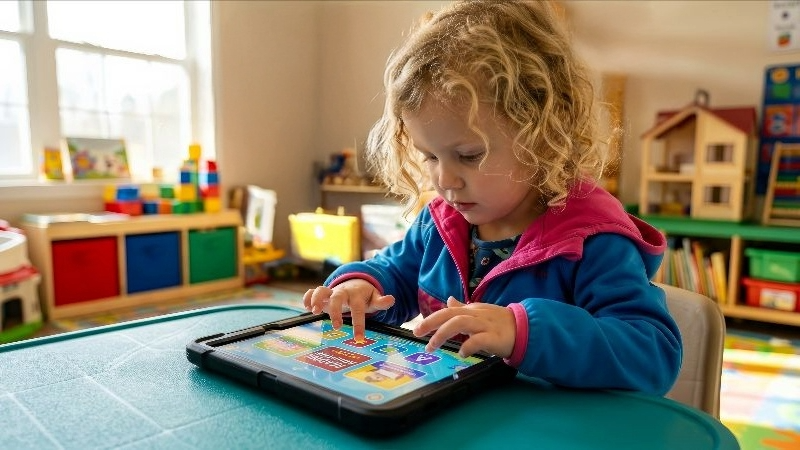
But for many students with disabilities, screens are not simply a convenience. They are an essential tool for learning, communication, access, and independence.
A recent NPR report highlighted the story of a student with dyslexia who relies on technology to help her read and write successfully in school. For students like her, reducing screen use without considering disability-related needs could unintentionally create new barriers to education.
Technology as an Accommodation, Not a Distraction
For students with disabilities, educational technology often serves as an accommodation required under an Individualized Education Program (IEP) or Section 504 Plan.
Examples include:
- Text-to-speech programs that read digital text aloud for students with dyslexia and other reading disabilities
- Speech-to-text software that allows students to dictate their writing
- Communication devices and apps used by students with autism, cerebral palsy, and other disabilities that affect speech
- Closed captioning and transcription tools for students who are deaf or hard of hearing
- Digital organizers, reminders, and visual supports that help students with executive functioning challenges
- Screen readers and accessibility tools used by students who are blind or have low vision
Research has found that text-to-speech and read-aloud technologies can improve reading comprehension for students with reading disabilities by reducing the burden of decoding written text.
Disability advocates caution that broad restrictions on classroom technology could limit access to accommodations and potentially conflict with students’ rights under federal disability laws.
Why Families Should Pay Attention
Most efforts to reduce screen use are intended to address legitimate concerns about distraction, excessive device use, and student well-being. However, policies that are designed for the general student population do not always account for the unique needs of students with disabilities.
Families may encounter situations where:
- A school adopts a new screen-time policy that affects classroom instruction.
- Teachers are encouraged to reduce technology use across all students.
- Digital accommodations become more difficult to access.
- Students feel singled out because they continue to use devices while classmates do not.
The good news is that disability accommodations do not disappear simply because a school changes its technology policies.
If a student requires assistive technology or digital accommodations to access their education, schools remain responsible for providing those supports.
Steps Families Can Take
1. Review Your Child’s IEP or 504 Plan
Look for specific references to assistive technology, text-to-speech software, communication devices, digital organizers, or other technology-based accommodations.
If these supports are essential but not clearly documented, consider requesting a meeting to discuss adding more specific language.
2. Ask Questions About New Technology Policies
If your school announces limits on device use, ask:
- How will students with disabilities receive required accommodations?
- Will assistive technology be exempt from the restrictions?
- How will teachers ensure access to digital supports outlined in IEPs and 504 Plans?
3. Document What Works
Keep records of the technology tools that help your child succeed. Examples might include improved reading comprehension, increased writing output, better communication, or greater independence.
Real-world examples can help teams make informed decisions during IEP and 504 meetings.
4. Advocate Early
If you hear discussions about reducing classroom technology, don’t wait until a problem develops. Proactive conversations with teachers, special education staff, and administrators can help ensure accommodations remain in place.
5. Focus on Access, Not Screen Time
The goal is not necessarily more screen time or less screen time. The goal is equal access to education.
For many students with disabilities, technology is what makes that access possible.
Looking Ahead
As schools continue to balance concerns about student well-being and technology use, families of students with disabilities have an important voice in the conversation.
Thoughtful limits on recreational or unnecessary screen use may benefit many students. But when technology functions as an accommodation, communication tool, or accessibility support, it serves a very different purpose.
As these discussions continue nationwide, families can help ensure that efforts to improve education do not unintentionally reduce access for the students who depend on technology most.